
| 日本語 | English |
IDE for novelists
An integrated writing environment for your stories.
Pergamum is an open-source integrated writing environment built for novelists.
Write your manuscript.
Organize characters, places, and terminology.
Navigate long works.
Preview your writing and export the finished result.
Pergamum brings the tools you need for writing long-form fiction together in a single project.
Download for Windows
User Manual · GitHub
Free and open source (MIT License)
v0.90.0 BETA / Windows version available
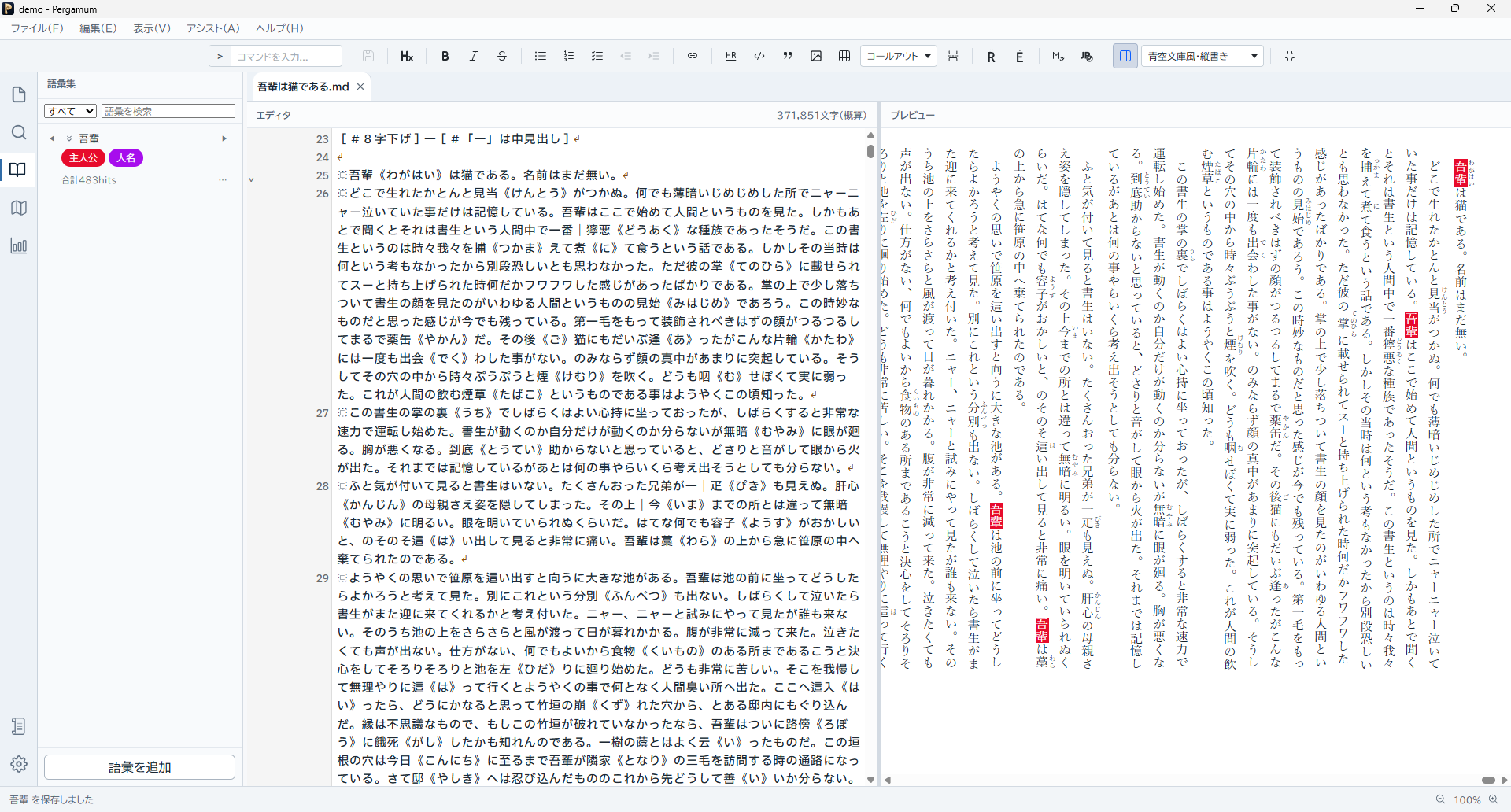
A novel is more than just its manuscript.
The longer a story becomes, the more there is to remember.
Characters and their aliases.
Places. Organizations. Worldbuilding.
“When did this character last appear?”
“Which chapter mentioned that detail?”
Pergamum separates the place where you write your manuscript from the place where you keep what you know about your fictional world, while bringing both together in one writing environment.
Write
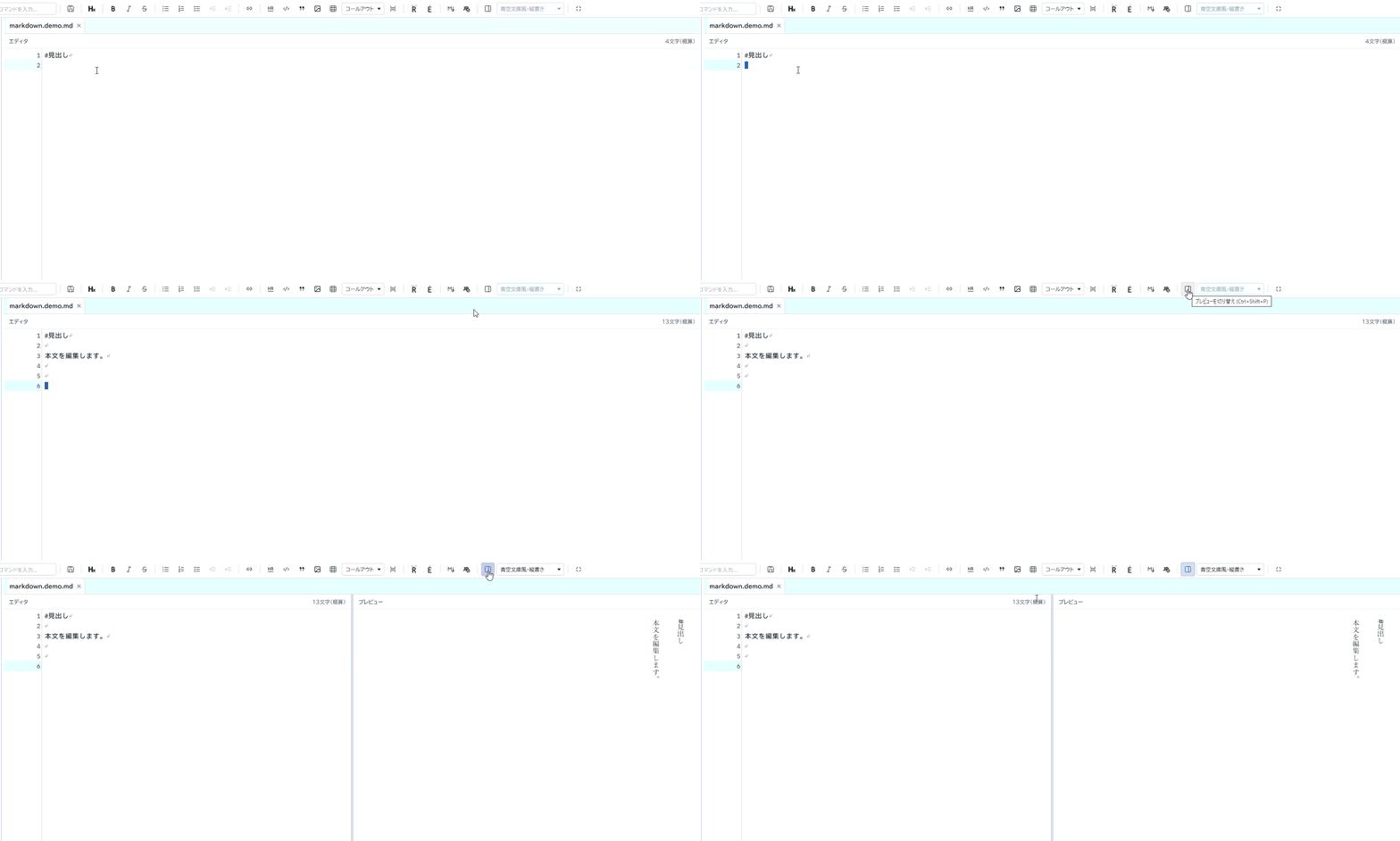
Write your manuscript directly in Markdown or Plain Text.
Open multiple chapters in tabs and work with search and replace, the Command Palette, the Markdown toolbar, and other editing tools.
Markdown Preview lets you check ruby annotations, emphasis marks, images, and more. The editor and preview can also keep their scroll positions synchronized.
Remember
Characters, places, organizations, terminology.
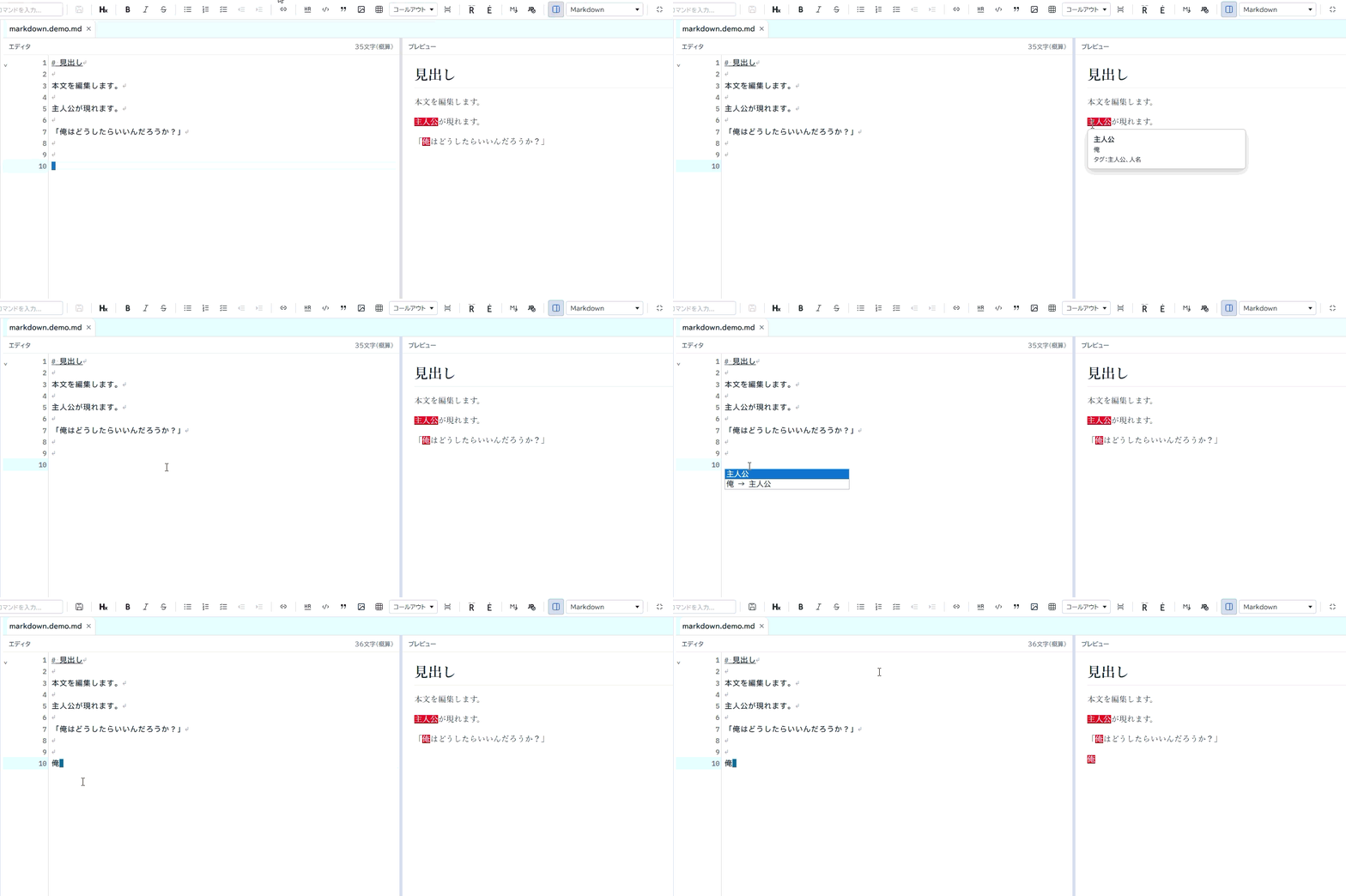
Information you want to remember about your story can be managed separately from the manuscript in the Glossary.
Each entry can contain a name, aliases, tags, and a description.
While writing, you can complete registered terms, view their information in place, and navigate through the places where they appear in your manuscript.
See the whole picture
In a long manuscript, knowing where things are can be just as important as writing them.
Pergamum includes a Document Map that gives you an overview of the current document.
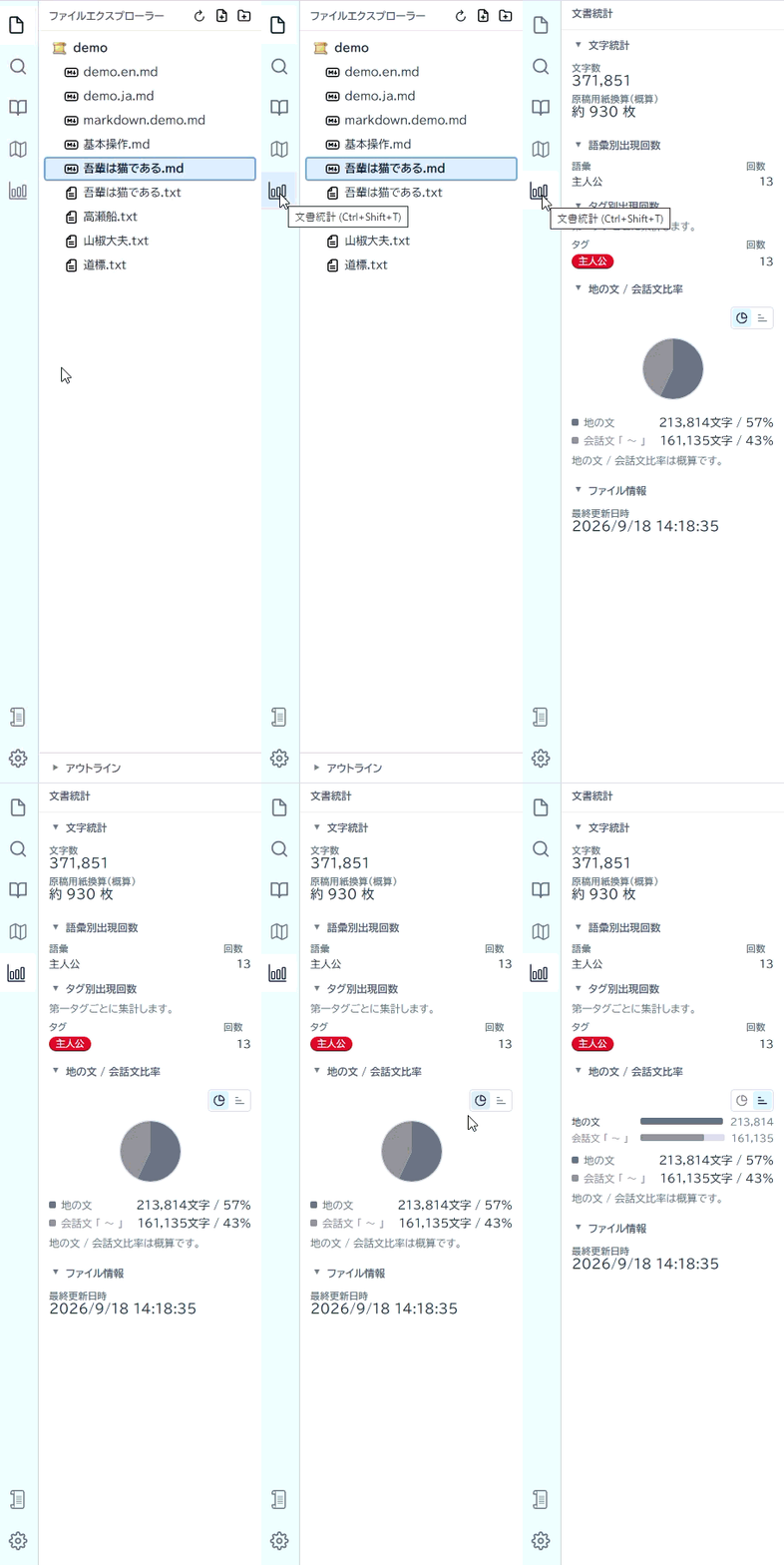
Document Metrics provides information such as character counts, estimated manuscript pages, dialogue ratio, and occurrence counts for registered glossary terms.
You can also search across the entire project and quickly navigate to files, headings, and glossary entries.
Deliver
When your manuscript is ready, you can select files from your project, arrange them in the order you want, and export them together.
Pergamum currently supports TXT (UTF-8), HTML, and PDF export.
PDF output supports both horizontal and vertical writing.
Your manuscript is not locked inside Pergamum.
The source of truth for manuscripts written with Pergamum is an ordinary Markdown (.md) or Plain Text (.txt) file.
You can still read and edit your manuscript with a normal text editor even without Pergamum.
Structured information such as characters and terminology is stored in .pergamum, while project settings are stored in pergamum.json.
We believe your manuscript itself should never be trapped inside a proprietary format.
The story is yours to write.
Pergamum is not an AI writing tool designed to write your novel for you.
Remember the characters and worldbuilding decisions you have already made.
Jump quickly to the manuscript you need.
Keep sight of a story as it grows longer.
Save your work safely and export it in the form you need.
Pergamum aims to be a tool that helps authors remember what they have already decided.
Pergamum v0.90.0 BETA
The core features of the novel-writing IDE are now in place, and v0.90.0 BETA is available as the first public release.
A Windows installer is currently available.
(Because the application is not code-signed, Windows may display a warning when you run the installer.)
Getting Started
View the source code
Send feedback or report an issue
Report an issue on GitHub
v0.90.0 is a BETA release. Until version 1.0, breaking changes to project data compatibility may occur. We recommend keeping a backup of your entire project folder for important works.
Pergamum — IDE for novelists
MIT License / Open Source